Project Overview
The idea for this project came from my brother-in-law, whose recent fatherhood prevents him from staying up late for his favorite radio shows. The goal was to create a program that can be scheduled to record radio shows that are being live-streamed on the internet.
Development Process
Implementation
The first step in this project was exploring the radio host’s website to learn how the audio streaming works. At the top of the website, there is a play/pause button that allows the user to listen to the radio station through their browser. With Chrome Developer Tools open, I pressed the ‘play’ button and reviewed the console events. I was able to find the stream URL that was called when the play button event was triggered. Opening this URL in a separate tab reveals a page with a single HTML video element with a type of “audio/mpeg”. I found my target URL!
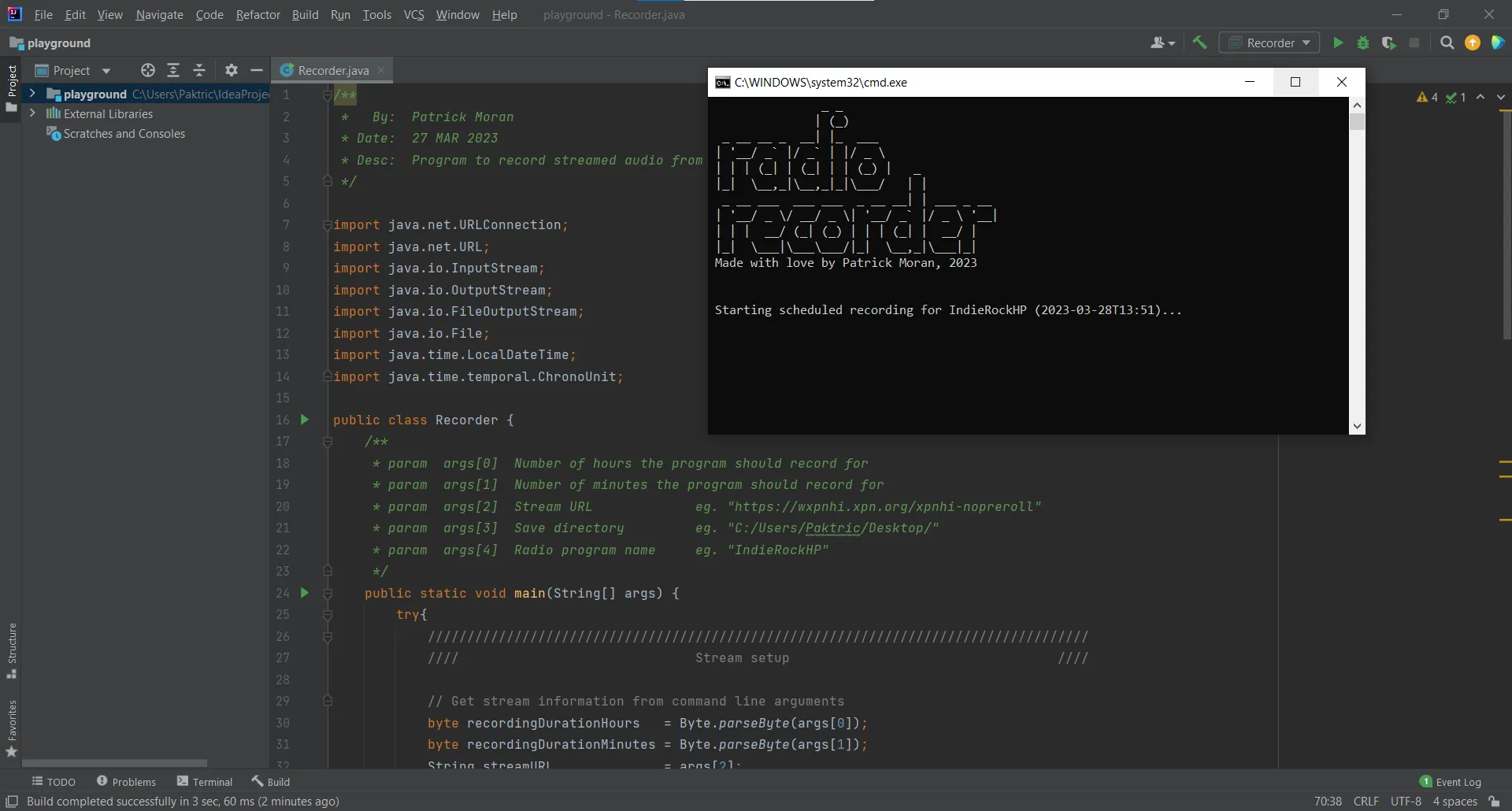
The next step was figuring out how to pull that stream data into a Java program. I found some sample code that showed me how URLConnection, InputStream, and OutputStream could be used to capture streams of data. I created a simple Java program to test if these classes would work for my application, and after some modification I was able to capture the audio and save it to my computer as an mp3 file.
The last step was finding a way to schedule the recordings. Do I use a library like Quartz Scheduler within my Java program? Do I rent a Linux server and set up recordings as CRON jobs? I ultimately decided to run the program using Windows Task Scheduler because of its ability to wake my computer from sleep to perform the recording task.
Challenges
- The first challenge for me was learning about streaming data. This was a new concept for me and it took a while to understand how the sample code was working.
- Another challenge for me was choosing how to schedule the recordings. I found many solutions to my scheduling problem and wasn’t sure which one would be best for my application. I made a pros/cons list that helped me narrow down my options.
Conclusion
This was a fun project to tackle. I really didn’t know where to start and found myself doing a lot of exploration and research. I got to a point where I felt I was researching too much, so I started to play around with code. I think just getting started with coding really helped me figure out the small details that I was trying to plan out.